AI Autofill für Zendesk | Knots Apps

Autofill Ticket Fields in Zendesk

Eliminate manual data entry in Zendesk – autofill ticket fields for faster, smarter support.

 
Knots Logo Bubbles

Automate your Zendesk workflow with AI Autofill and Ticket Parser

Filling out ticket fields – opening, reading, copying, or typing – takes time that agents could spend on more important tasks. Therefore, we offer two automation solutions to streamline your processes:

AI Ticket Autofill

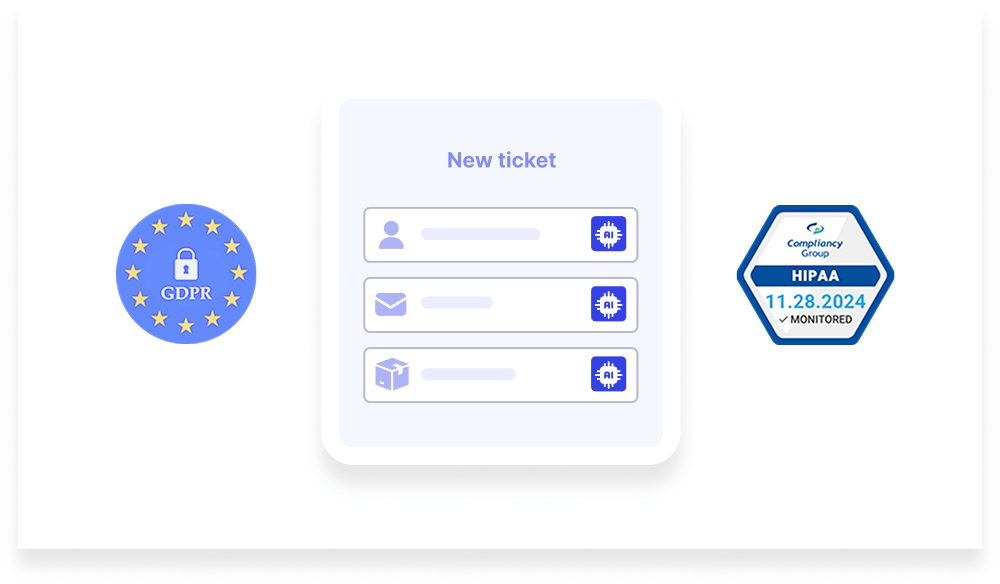
Before an agent sees the ticket, AI (using your preferred AI instance) analyzes the data, finds key details, and auto-fills specified Zendesk fields. As a result, processing times are reduced, customers are happier, and costs go down.

Ticket Parser

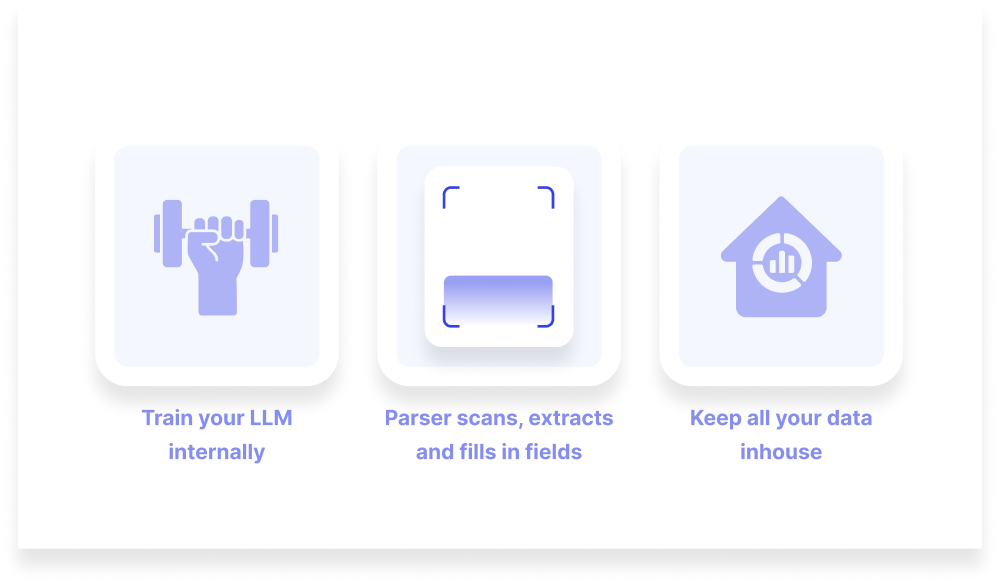
Prefer a non-AI solution? Train an internal model with the Ticket Parser to automate field filling while keeping full control over the process and data in-house. This is ideal for businesses needing a custom, secure solution.


Regardless of which option you choose, both tools are designed to make your Zendesk operations smoother and more efficient. Want to maximize efficiency with AI? Choose AI Ticket Autofill. Need full customization without AI? Discover Ticket Parser.

Benefits of AI Ticket Autofill

  • Save time

    AI Ticket Autofill populates Zendesk ticket fields automatically, reducing manual work so agents can resolve issues faster without copy-pasting or repetitive data entry.

  • Reduce errors

    Manual entry is error-prone. AI Ticket Autofill ensures accurate and consistent data across user fields, organization fields, and ticket data.

  • Improve efficiency

    Automate routine tasks and increase productivity. AI Ticket Autofill handles repetitive work, allowing agents to focus on more complex inquiries.

  • Integrate seamlessly

    Fully integrated with Zendesk and GDPR-compliant within the EU, enabling efficient ticket handling and reliable data management.


Note: If the data for AI Autofill is in an attachment, use the OCR for PDF and scanned documents app to extract it first.

How AI Ticket Autofill works

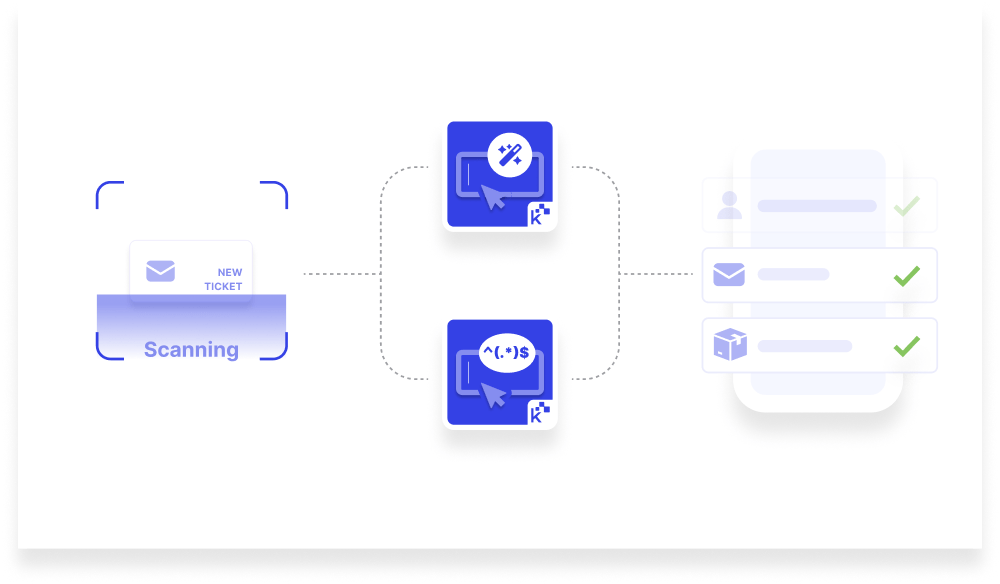
  • Extract data: Our Zendesk AI app scans incoming tickets, identifying and extracting key information from the ticket content.
  • Autofill fields: The extracted data is then automatically populated into the relevant ticket fields, ensuring that all necessary information is captured without manual entry. Whether it’s organization fields, user fields, or ticket-specific data, everything is filled accurately and promptly.
  • Customize: AI Ticket Autofill is flexible. You can customize which fields are populated based on your business needs, making it a solution that adapts to your unique workflow.

PS: If you need to archive old tickets, check out our Export Tickets app!

AI Autofill for Zendesk: Why users love it

knots graphic

Get started with AI Autofill for Zendesk

Join the growing number of businesses that are transforming their Zendesk workflows with AI Ticket Autofill. Save time, reduce errors, and improve efficiency – all while keeping control of your data. Experience the power of Zendesk’s AI and advanced AI features that take your ticket management to the next level.

zendesk ticket parser app

Ticket Parser

Automate ticket field filling with a fully controlled, AI-free solution – customize, train, and keep your data in-house

Dateneingabe ohne KI automatisieren – mit einem internen Modell, dem Ticket Parser.
Knots Logo Bubbles

Why choose the Ticket Parser?

Automate ticket field filling with a fully controlled, AI-free solution—customize, train, and keep your data in-house.

  • Control and security: Train the model internally while keeping your data private and within your infrastructure.
  • Tailored solutions: Adapt the model to your specific ticket structures, workflows, and business requirements.
  • Reduced workload: Automatically populate ticket fields, allowing agents to focus on resolving customer requests.

Ticket Parser for Zendesk: Why users love it

Questions

How do the autofill ticket fields apps integrate with Zendesk?

Both apps integrate seamlessly with your existing Zendesk setup, requiring minimal configuration to get started.

How do the apps improve ticket management?

By automating ticket field entry, these apps save time, reduce errors, and allow your support team to focus on resolving customer issues more efficiently.

Can I customize which fields are autofilled?

Yes, both AI Ticket Autofill and the Ticket Parser allow you to customize which fields are automatically populated. Whether it's user fields, organization fields, or ticket-specific data, you have full control over how the AI or NLP model interacts with your Zendesk setup.

What is the difference between AI Ticket Autofill and Ticket Parser?

AI Ticket Autofill uses advanced AI inside Azure Services, including GPT and with the option to use your own Azure GPT or OpenAI instance, for automatic field filling, while Ticket Parser allows you to train an intern model internally for a more customized solution without sharing your data.

Can I try the apps before committing?

Absolutely! Both apps offer a 14-day free trial, allowing you to test their features and benefits.
automate Zendesk with knots

Start scanning your tickets automatically!

Two smart choices for businesses looking to streamline their Zendesk workflows. Take the next step towards greater efficiency today!