Auto-fill fields, flag gaps, route instantly and skip the busywork.
Handle ticket attachments
Pull key data from attachments and make quick decisions.
Sync tickets across systems
Push updates to CRM/ERP/fulfillment via APIs without breakage.
Resolve requests
Close simple requests automatically or route complex ones correctly.
Automate ticket routing
Make sure every ticket reaches the correct team, fast.
Reduce manual ticket handling
Auto-fill fields, flag gaps, route instantly and skip the busywork.
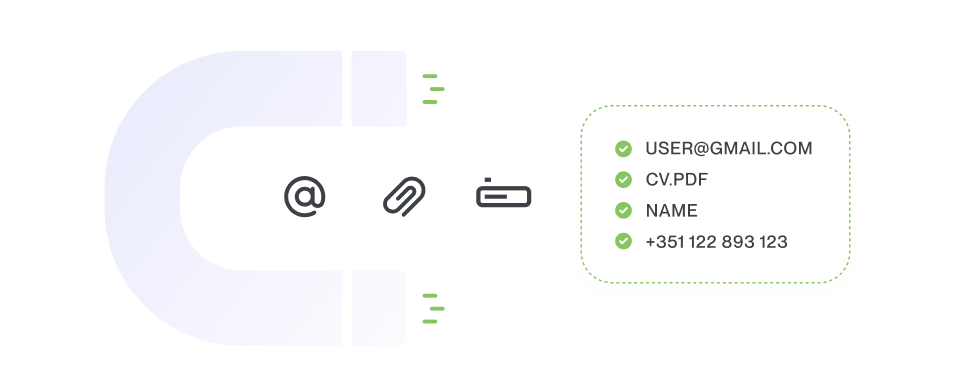
Handle ticket attachments
Pull key data from attachments and make quick decisions.
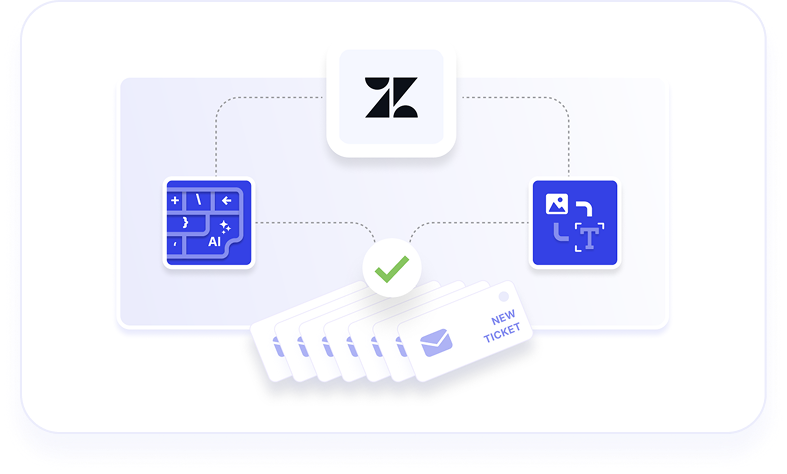
Sync tickets across systems
Push updates to CRM/ERP/fulfillment via APIs without breakage.
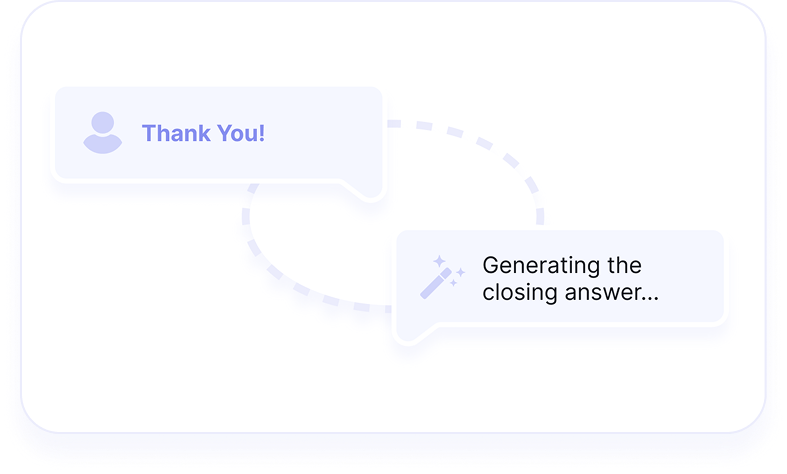
Resolve requests automatically
Close simple requests automatically or route complex ones correctly.
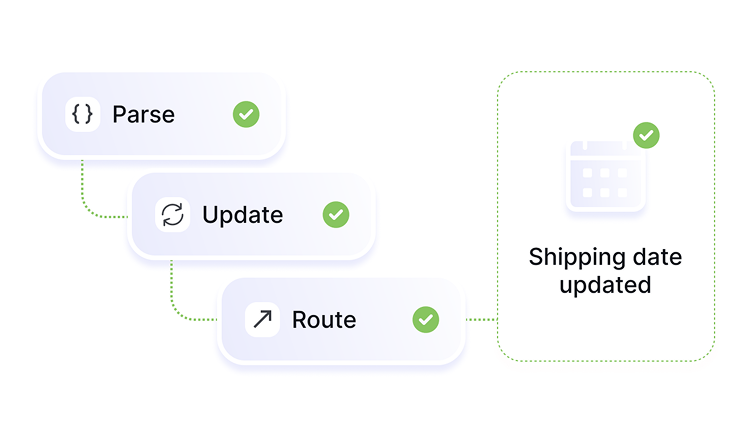
Automate ticket routing
Make sure every ticket reaches the correct team, fast.
WHAT WE MEAN BY CUSTOMER SERVICE AUTOMATION
Automate the repetitive work, keep the human judgment
We believe that customer service automation should handle predictable support tasks such as ticket routing, information extraction, system updates and sending standard responses. Now, your team can spend time on the cases that actually require attention and build actual customer relationships.
Key distinctions:
Automate decisions you’d make the same way every time
Give agents better inputs, not more interruptions
Change workflows when your process changes
Your team needs automated processes that fit your individual support needs. That’s why we start with a short setup session.
The problem: Customers attach invoices, forms, and delivery notes as images or PDFs. Agents manually open each file, copy data, and fill ticket fields—over and over.
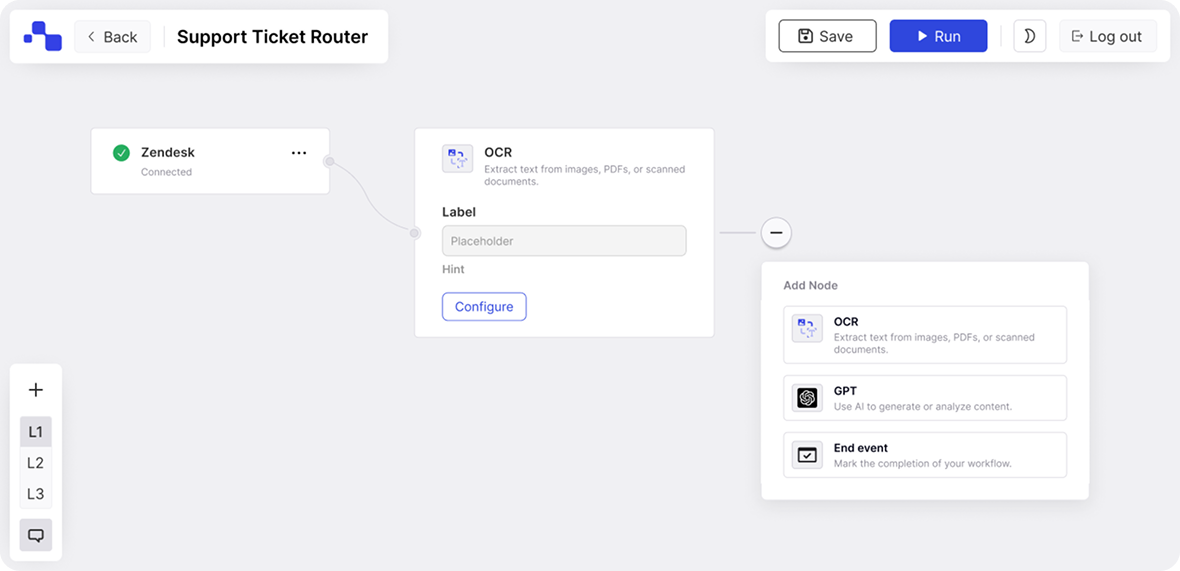
Start with a blank canvas and create exactly the workflow you need. Use visual building blocks, add conditions, connect your systems—no coding required.
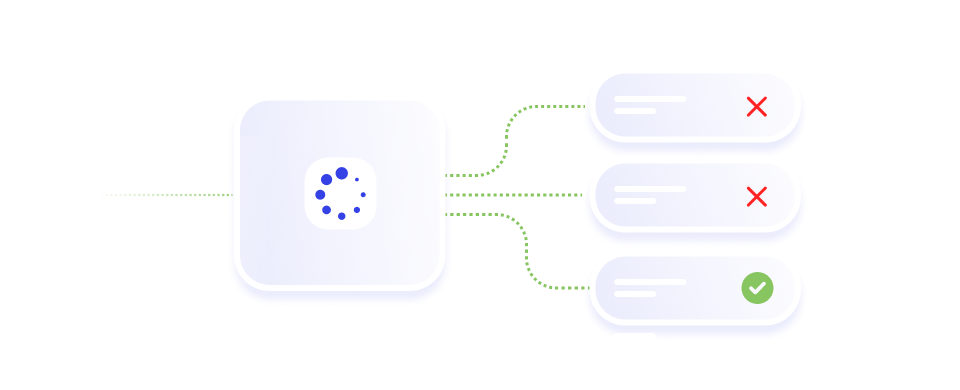
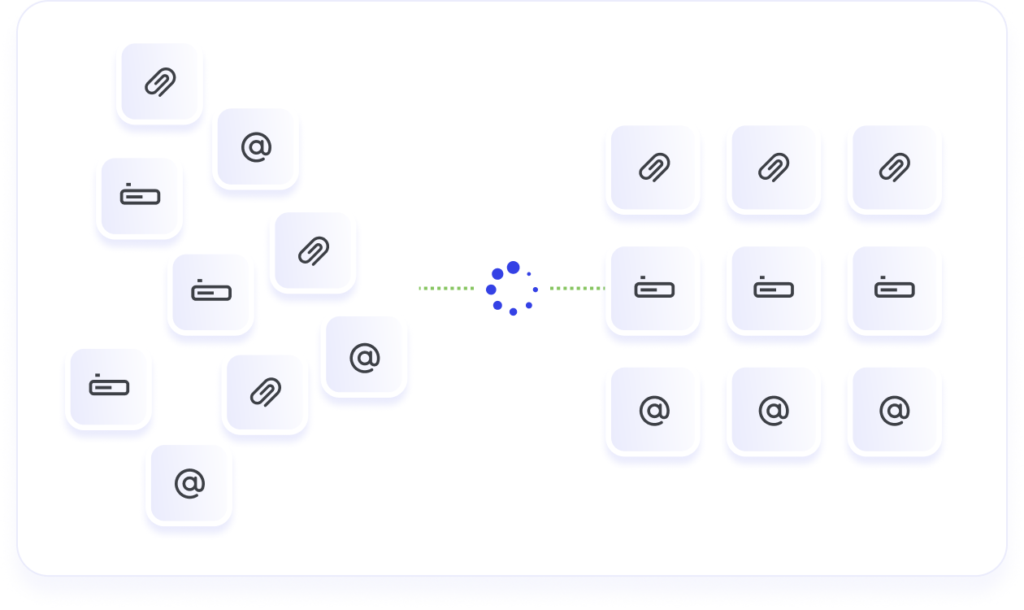
Detect a ticket’s topic/intent, set tags, assign the right form, and route tickets to the correct support task queue.
Intelligent ticket routing & prioritization
Route tickets to the correct support agent by customer tier, SLA urgency, or issue type without manual sorting.
Automated resolution for simple requests
Resolve password resets, status checks, and policy questions instantly and save your team hours.
Reduce manual support ticket handling
Pre-fill fields, highlight missing data, and standardize handoffs — so agents work the case, not the inbox.
FROM INCOMING TICKETS TO STRUCTURED PROCESSES
Turn messy tickets into clean cases
Support tickets rarely arrive ready for automation. Instead, they're messy: attachments to open and parse, fragmented context from multiple sources, and meandering descriptions that need careful reading—all before anyone can even decide what to do.
Flow handles the busywork others can't: processing attachments, extracting key fields, flagging missing data, and defining the next step. Agents don't start from scratch—they start with everything they need.
Many service tickets include documents such as invoices, delivery notes, or forms. These attachments determine what should happen next — but they are rarely structured or easy to process.
Flow makes documents part of the customer service workflow. Attachments are processed, relevant information extracted, and key fields added directly to the ticket. Based on that structured data,your workflows can route the case, trigger follow-ups, or resolve the request automatically when possible.
For example, our OCR + AI Autofill template reads invoices and forms attached to tickets, extracts order numbers, dates, and amounts, and pre-fills your custom fields automatically.
Result: Instead of manually opening and interpreting files, agents work with prepared, structured cases and clear next steps.
AI works best when it performs specific tasks, not when it tries to handle complex decisions alone.
Flow uses AI for recognition and interpretation: understanding ticket content, extracting details, identifying intent. The results feed into your workflow, where business rules and routing logic determine what happens next.
This lets you automate intelligently while keeping structure, transparency, and control over every outcome.
Cases
From AI Overwhelm to Automation-Driven Profit
From manual effort to scalable efficiency
How thyssenkrupp Rasselstein saves hundreds of monthly hours with Knots automation – boosting speed, accuracy, and service quality
Works with your helpdesk — and the systems behind it
Start with your helpdesk: Zendesk, Freshdesk, any platform you use. Flow connects to backend systems via API to pull data and push updates where they belong.
We’ve automated 25% of our emails, 65-75% of our billing tasks and scaled operations without increasing training time. It’s allowed us to focus on growing and retaining clients.
Nancy Liberty Debt Relief
With Knots, we’ve eliminated repetitive tasks like routing and typing SAP reference numbers – things that used to slow us down across thousands of tickets. Now, complex emails are routed instantly, agents can respond faster, and everything is logged in the right place automatically.
Stephan Customer Leader, Thyssenkrupp
Every manual step introduces risk. With automation, our team can focus on high-value work instead of copy-pasting. Even a single typo in contact info could mean a filmmaker loses a day of production. Knots Studio helps us avoid that—and makes our processes smarter and faster.